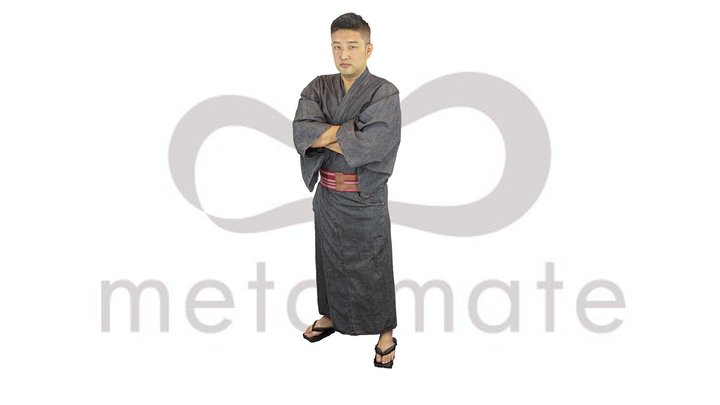
Shiori New Year's Kimono

If you want to make the textures look pixelated in Unity, in the texture import settings under Advanced - Filter mode, set it to “point (no filter)”. In other programs, if not called point filter, this same setting is usually called something like “closest” or “nearest”. Also, you probably want to change the texture compression for these. In Unity, in the import settings, setting the Format to “RGBA 32 bit” works (or just set compression to "none"). In Unreal Engine, “UserInterface2D(RGBA)” does the same. (FBX only for now, sketchfab throws an error when I try to upload a blender file)
สัญญา CC BY ทำอะไรได้บ้าง
ใช้เชิงพาณิชย์และแก้ไขได้ แต่ต้องให้เครดิตผู้สร้างพร้อมลิงก์ต้นทาง
วิธีดาวน์โหลดและนำเข้า Unreal Engine 5
กดปุ่ม Download 3D Model ที่หน้า Sketchfab เลือกไฟล์ต้นฉบับ หรือไฟล์แปลงอัตโนมัติ glTF, GLB, USDZ
.fbx
ลากไฟล์เข้า Content Browser หรือกด Import เลือก Skeletal Mesh เพื่อนำโครงกระดูกเข้ามาด้วย ถ้าต้องการใช้ท่าทางของ Mannequin ให้ retarget ด้วย IK Retargeter
.gltf และ .glb
Unreal Engine 5 นำเข้าได้โดยตรง ลากไฟล์เข้า Content Browser ได้เลย ไฟล์ .glb สะดวกกว่าเพราะรวมเท็กซ์เจอร์ไว้ในไฟล์เดียว